 TaktLogicconstruction scheduling done right
Jobsite build — phase 01
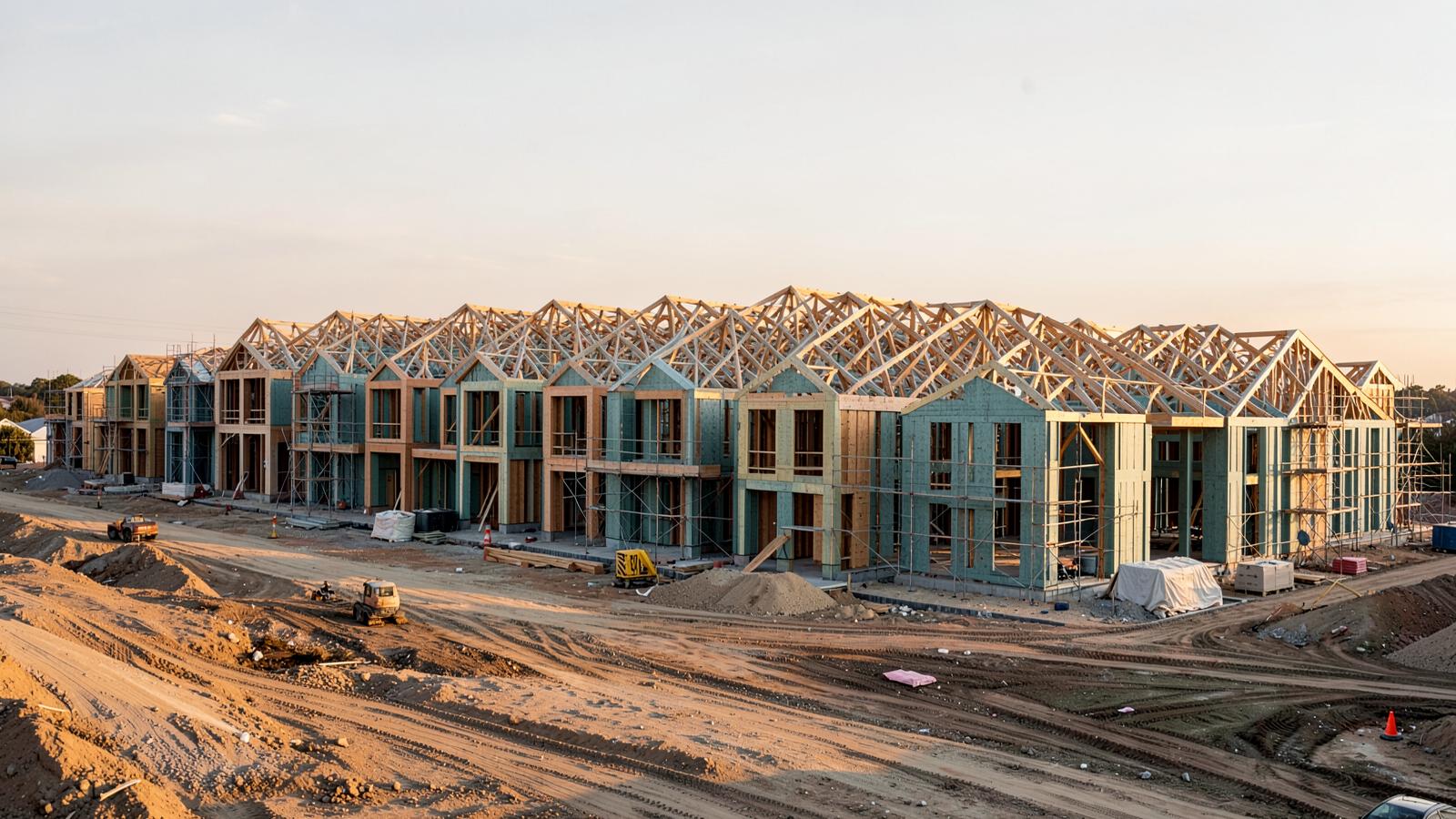
Twenty units. One line of sight.
Ready to build your scheduling app — or whatever this will be. Yes? Takt can be whatever you want it to be. Same work, over and over, moving in sequence — or something else entirely. You decide the shape; we’ll build the thing.
Welcome
Hi — welcome to what could be the home of your project management app. Today we’re going to ask you a few questions we feel will help us get started.
If we’re missing the mark, it’s okay. Let’s keep the momentum going and get it.
To get started, enter your Gmail address below and click the Get started button.
You're the first one in
Enter the email this link was sent to. Then answer a few questions so I build this around how you actually run jobs, not how I think you do.
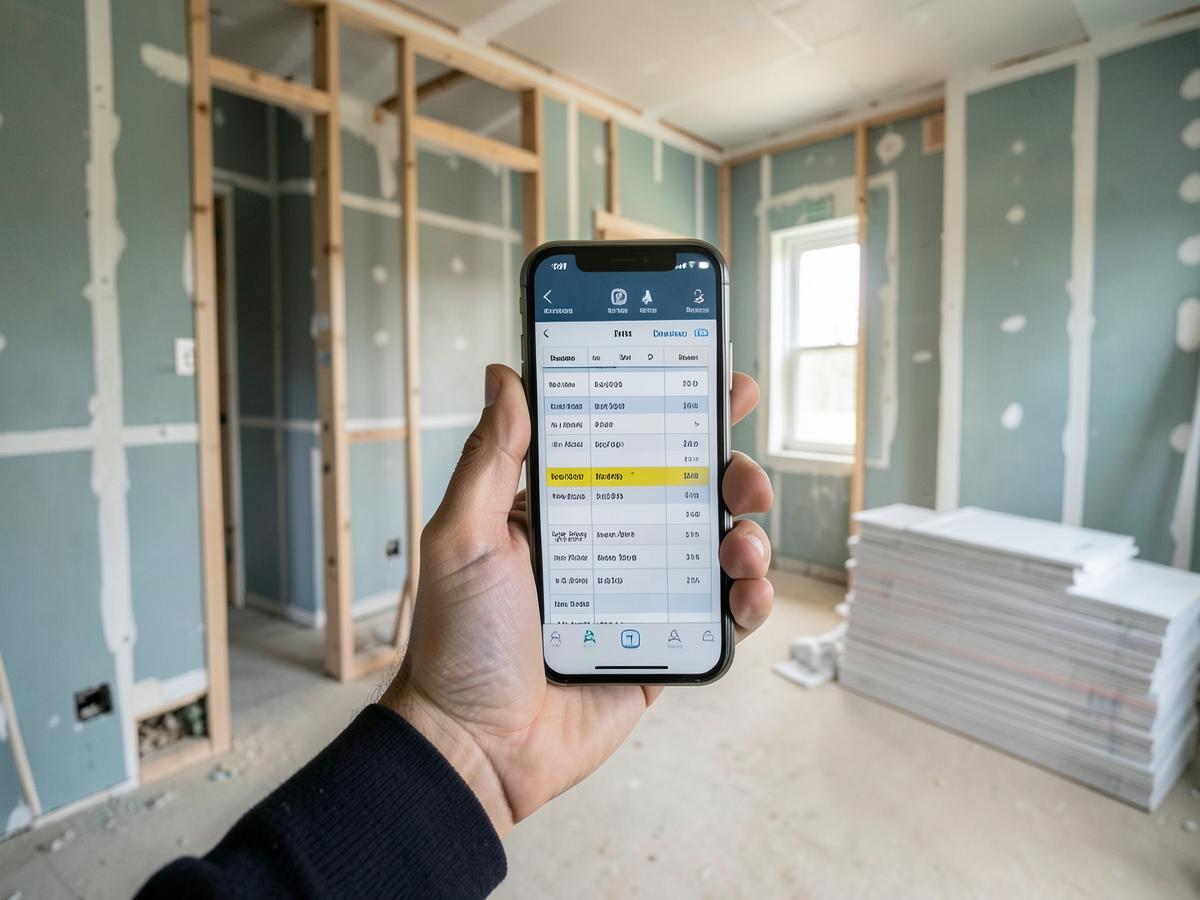
Concept view Flowline — Maple Ridge, bldg C
This is the screen your supers live on. Every crew is a line. When one line stalls, you see what it runs into three units later, before it happens.
Concept of the screen we’d build — not a live project yet. This is the shape your answers are about to tune.
- 01Rows are units, not tasks. Unit 1 through 20 stack down the left. Scroll the run and the whole building reads in one screen — no clicking into twenty separate schedules.
- 02Bars are the crews. Frame, rough-in, drywall, finish. Each trade keeps the same color everywhere in the app, so a super reads the wall board the same way he reads his phone.
- 03The stagger is the whole point. Bars step down at a fixed takt. Drag one bar and the downstream units re-flow instantly, so you see the pile-up while there's still time to move a crew instead of eating it.
- 04Field updates land here. A sub marks a unit done from a text link, the bar closes out, and the readout above recalculates float and conflicts without anyone rebuilding a schedule.
- Set up one unit, get all twentyBuild the phase list once. Apply it to every unit with staggered starts.
- Slips you can see comingMove a date and watch what it pushes into downstream, across the whole run.
- Subs get a link, not a loginSend a schedule, a set of photos, or a scope. No account, nothing to teach them.
- Built for the truckDaily logs and photos from a phone, on a site with one bar of service.
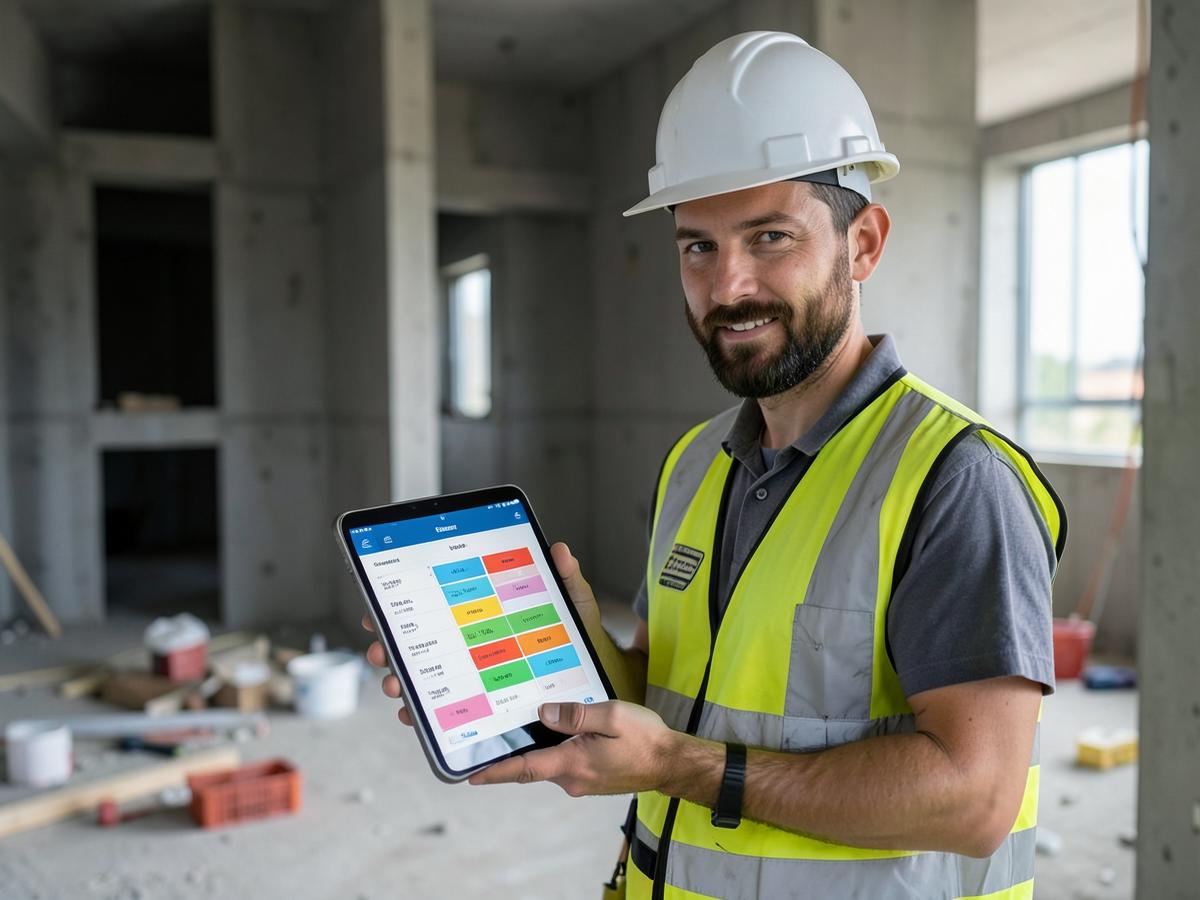
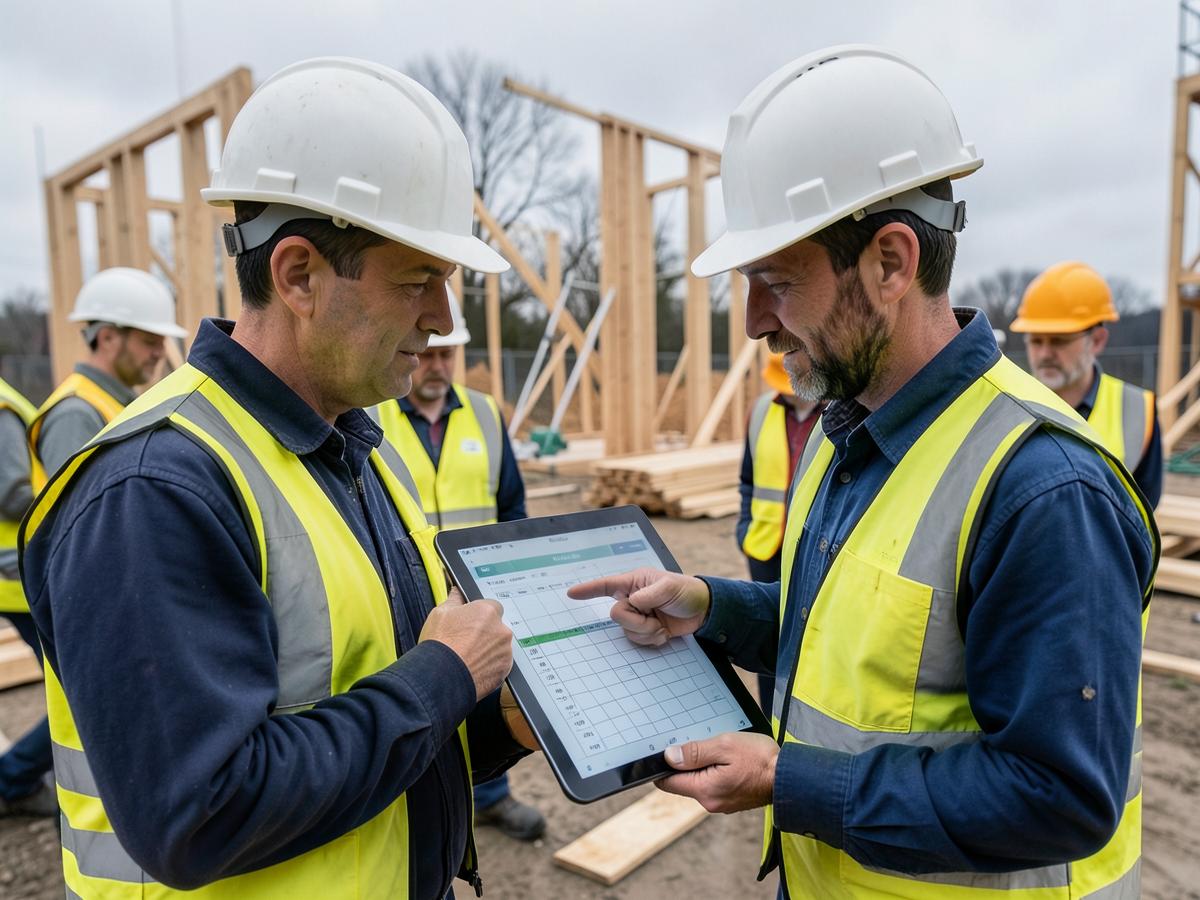
Everything above is a concept — a look at what we’d build once you tell us how you run jobs. Nothing here is locked in. Answer the questions and we’ll shape the real thing around you.